Talklight
Stage clock, remote & reports
A green, yellow, red stage timer for talks. Show it on an iPad and control it from your iPhone.

Screenshots
Features
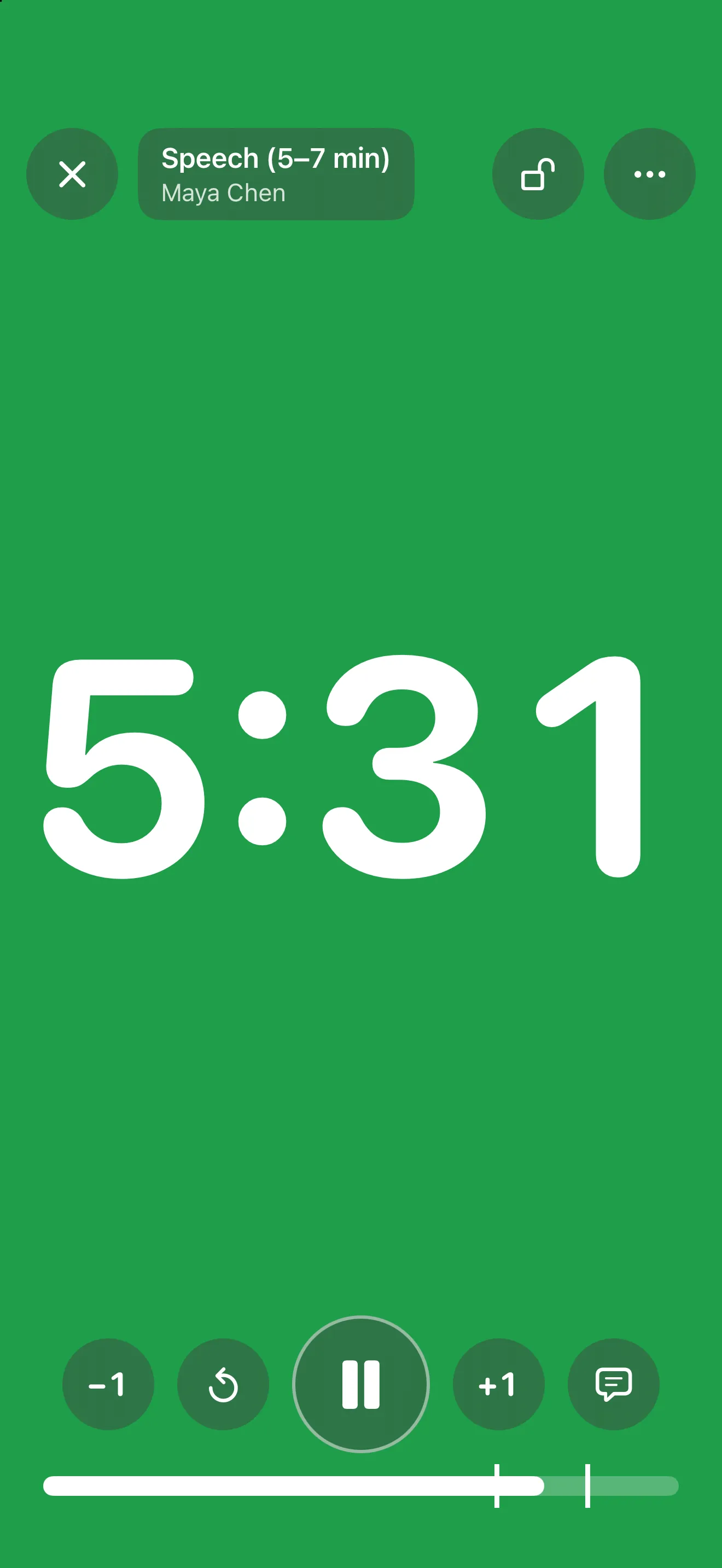
Green, yellow, red
Set each color at the minutes you choose. After time's up it stays red and counts the overrun. A color-blind palette uses blue, yellow and orange.
Readable from the back of the room
Full-screen color, colored digits on black, or color only to use the screen as timing lights. Show it on a TV or projector over HDMI or AirPlay.
Control it from your seat
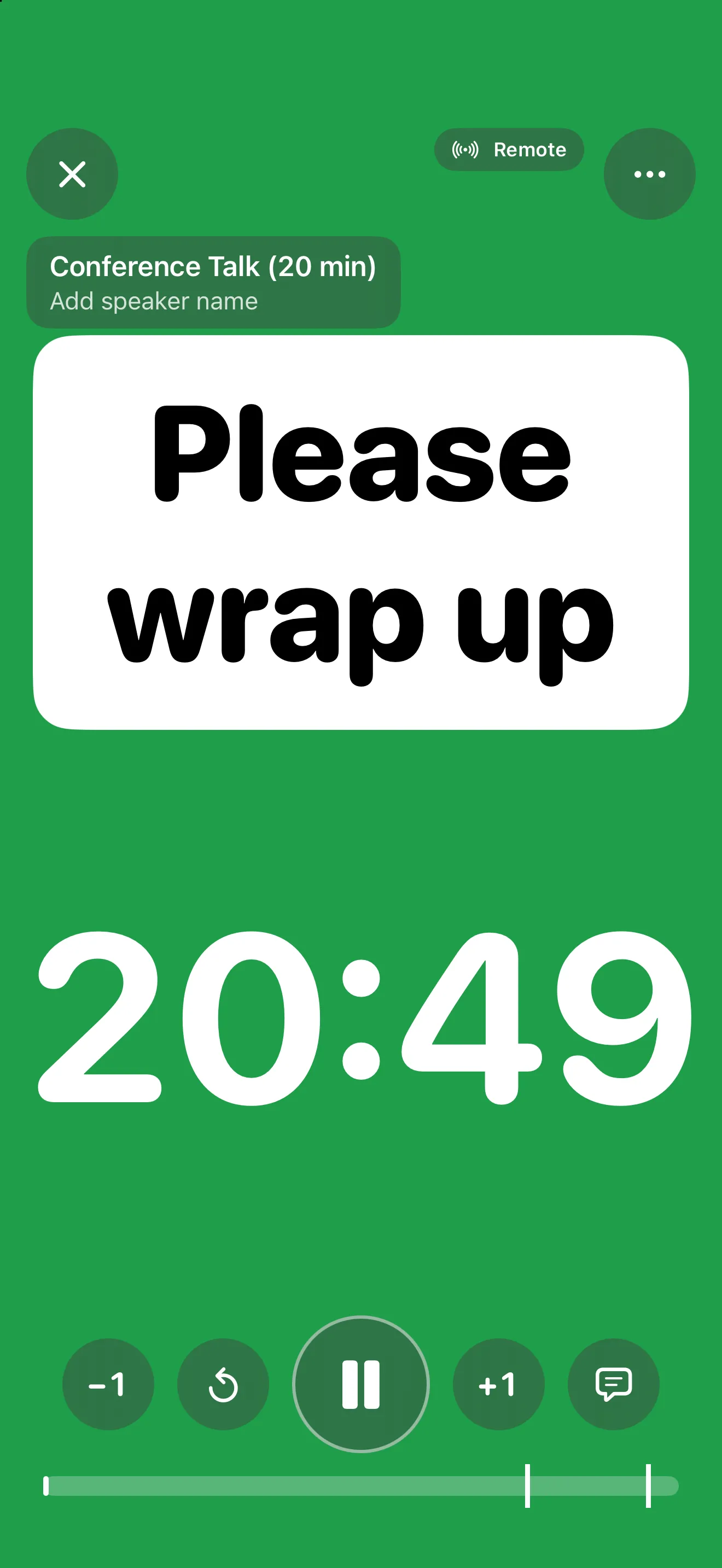
Put an iPad on the lectern and run it from your iPhone: start, pause, add time and move to the next speaker. The devices connect directly with a four-digit code. No internet, no account.
Message the speaker
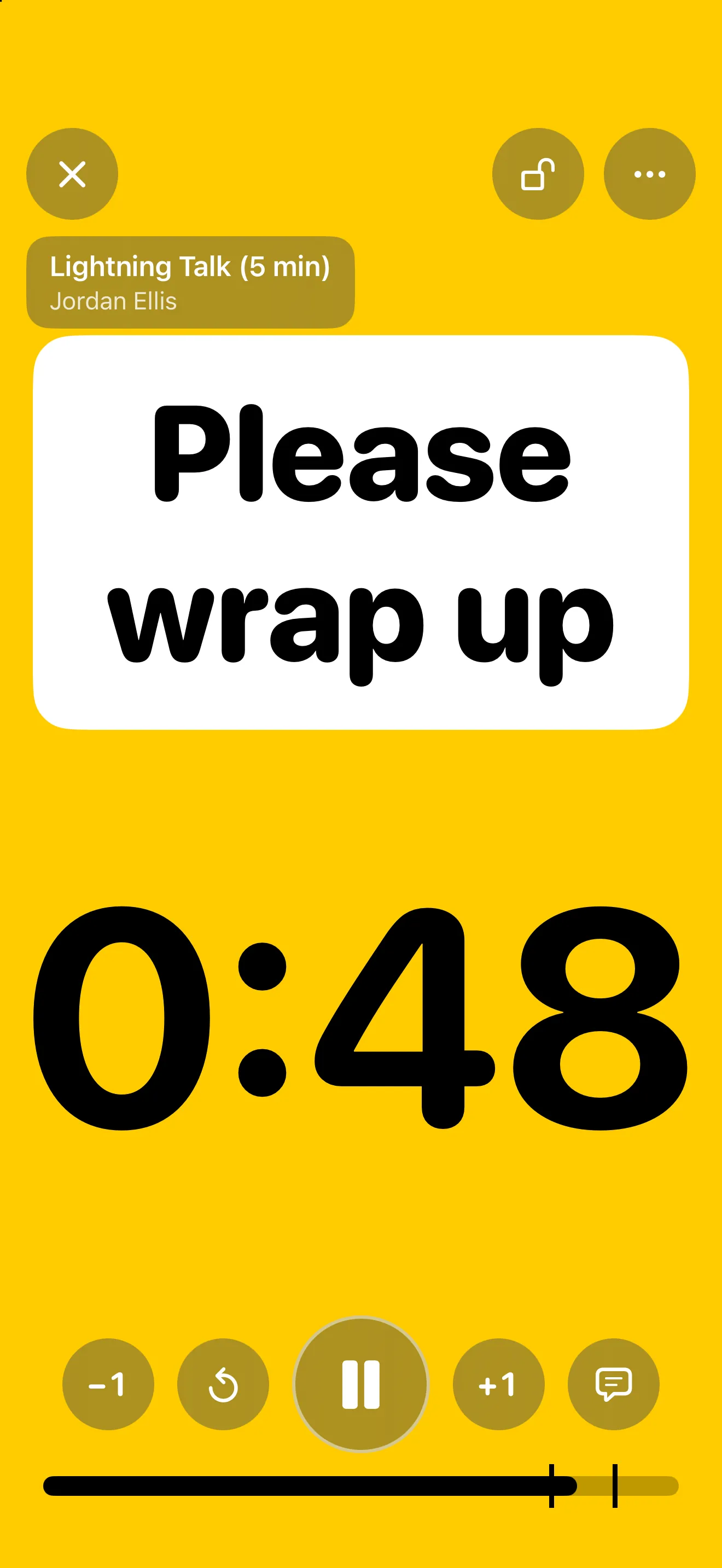
Send "Please wrap up", "One minute left" or anything you type, with an optional blink to catch their eye.
Run of show
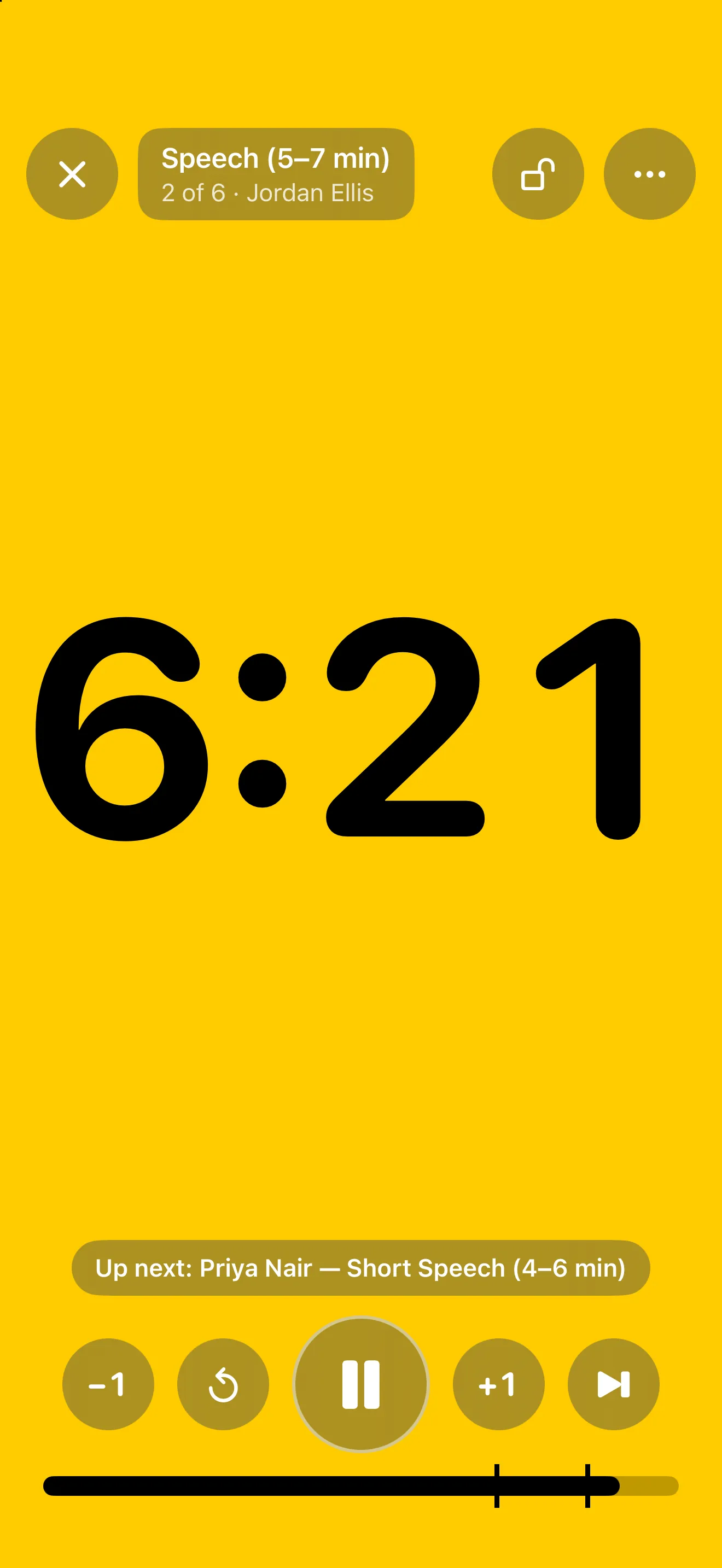
Line up a meeting with a timer and a name for each speaker. Next and Previous move through the lineup, and "Up next" shows who follows.
Reports for timekeepers
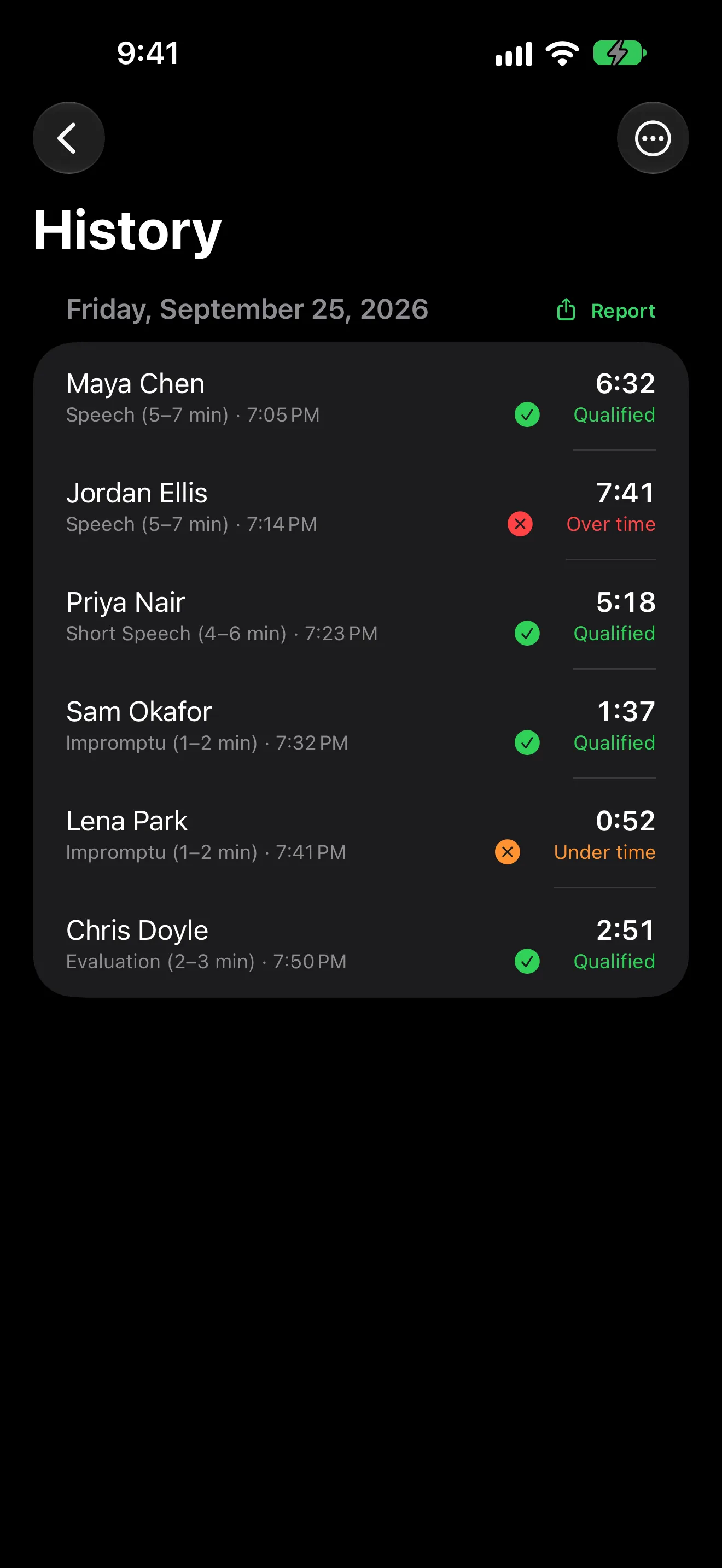
Qualifying time windows with a grace period, a history of every run, and a plain-text report to read out or paste into the group chat.
Questions
Do I need two devices?
No. Talklight works on one iPhone or iPad. A second device is optional: use an iPad as the display and an iPhone as the remote.
Does the remote need Wi-Fi or internet?
It needs no internet. The two devices connect directly over Wi-Fi or peer-to-peer with a four-digit code. If the link drops, the display keeps counting and the remote reconnects by itself.
Can I show the timer on a TV or projector?
Yes. Connect an HDMI adapter or use AirPlay. The big screen shows only the clock.
Can it time speech club meetings?
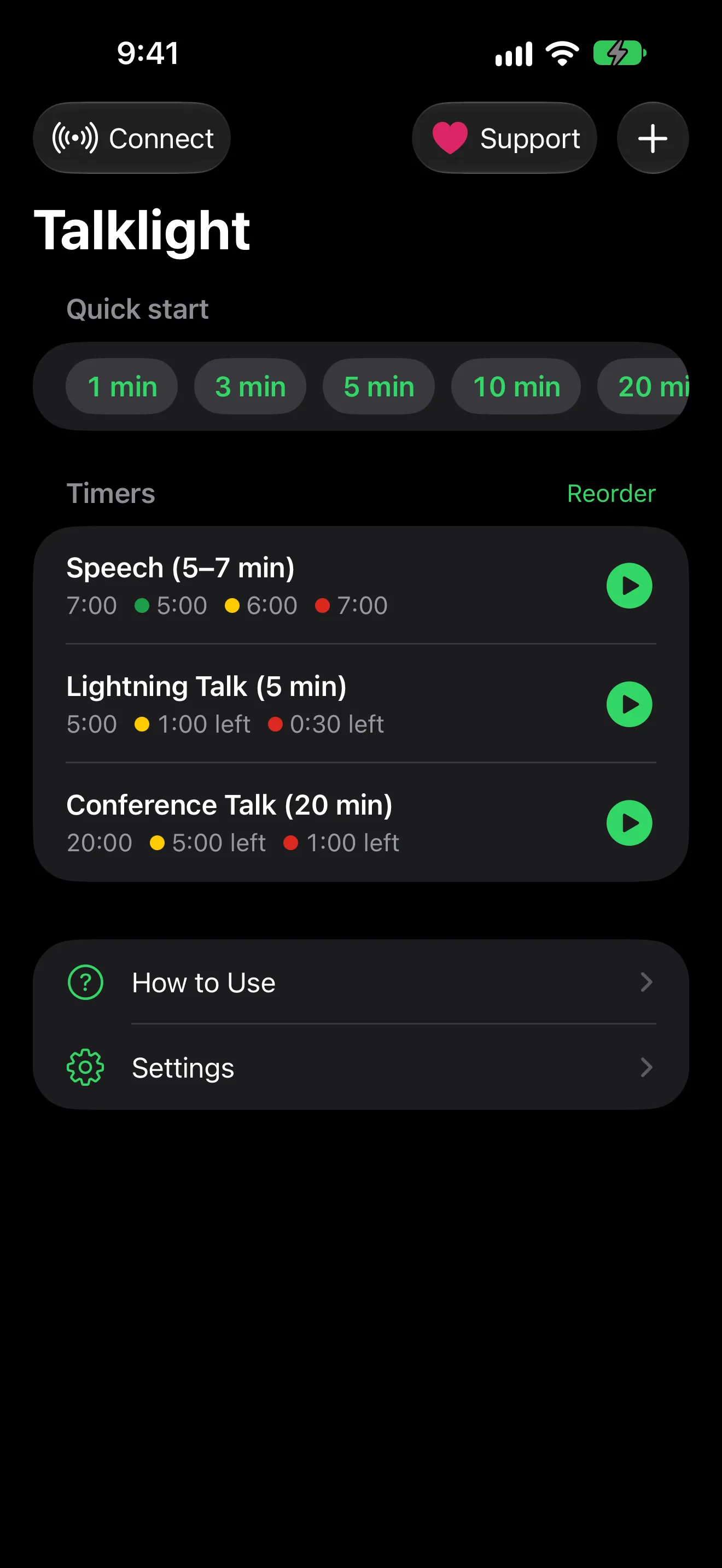
Yes. It starts with timers for a club speech, a lightning talk and a conference talk, and templates add evaluations and more. Qualifying windows mark each run as qualified, under time or over time.
Get Talklight
Talklight is a speaker timer for iPad and iPhone. The speaker sees green, yellow and red cues while you control the clock from your seat.