Clear Chess
Large Print, Offline, No Ads
A free chess app for seniors and older adults, with no ads, big, bold pieces and a computer that plays at your level.

Screenshots
Features
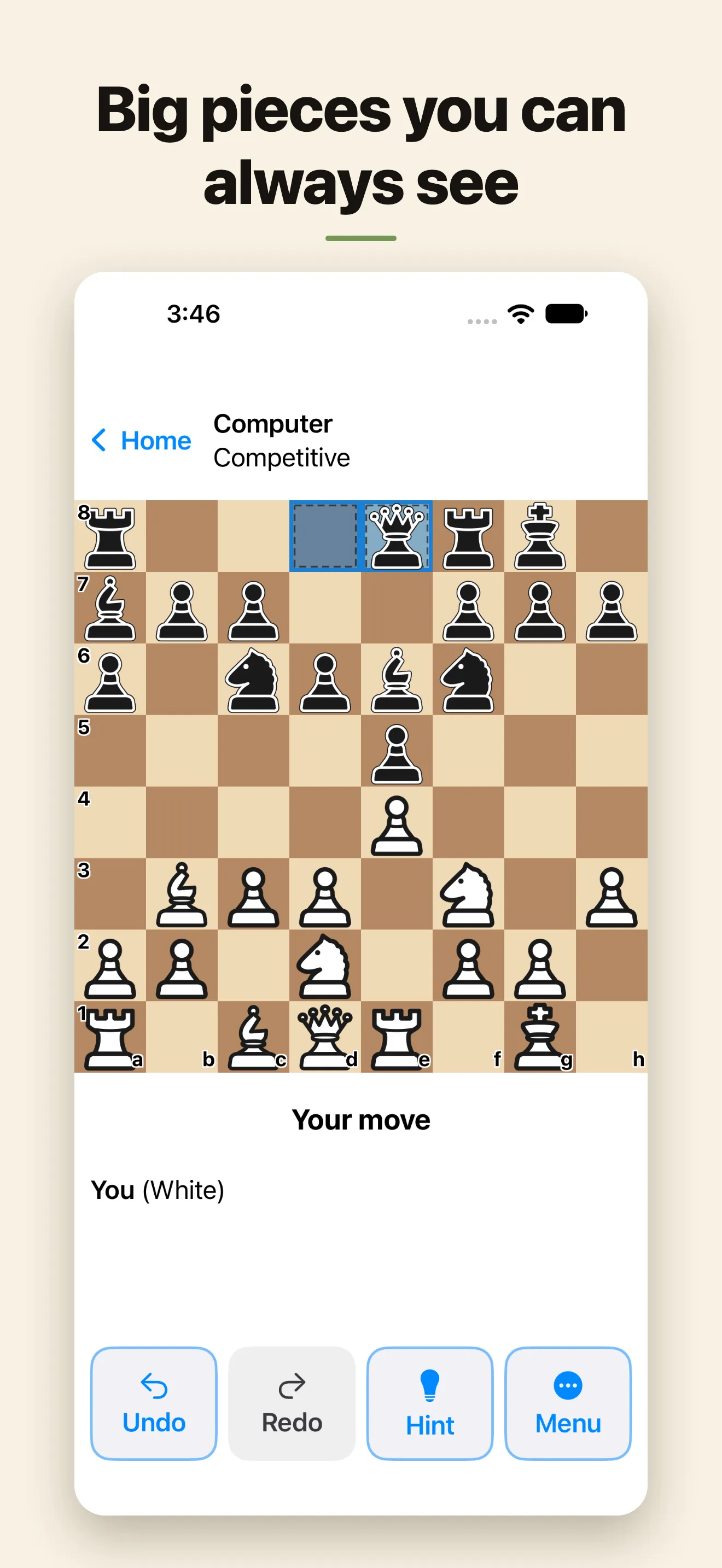
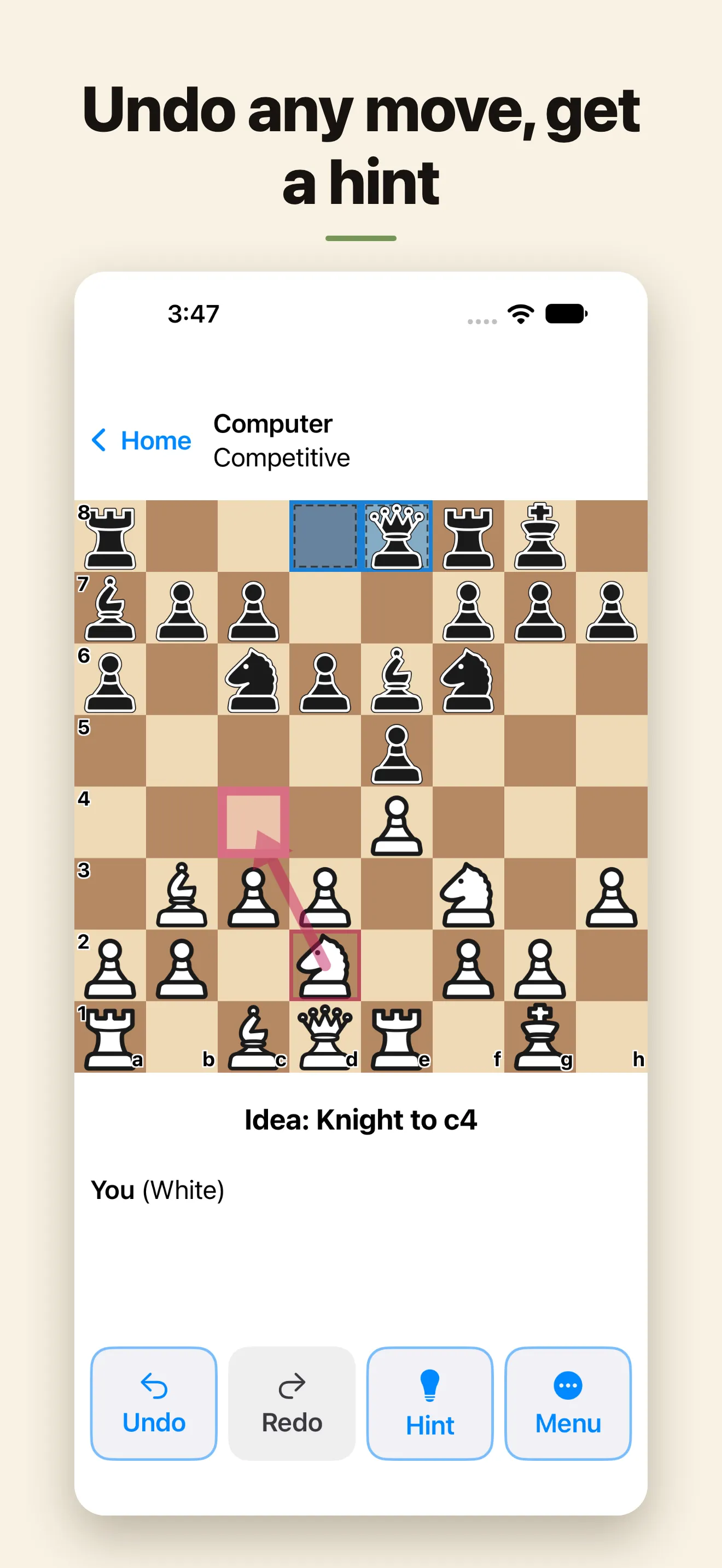
Big pieces you can always see
Big, bold pieces with a thick dark outline, drawn just for this app. The board fills the width of the screen. Pick a high-contrast board, and letters on the pieces if you like.
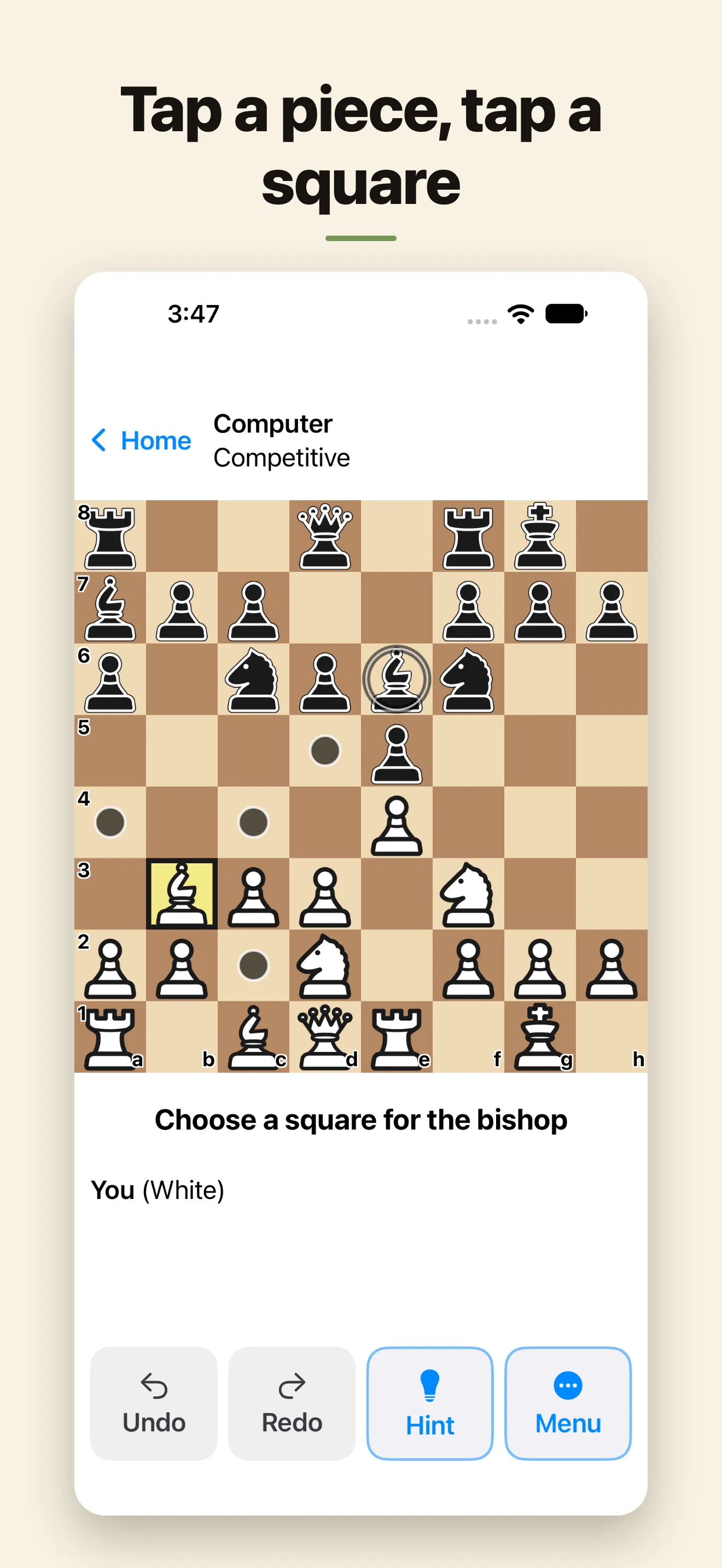
Tap to move, no dragging
Tap a piece to see where it can go, then tap the square. Turn on "Ask before each move" to check every move before it's played.
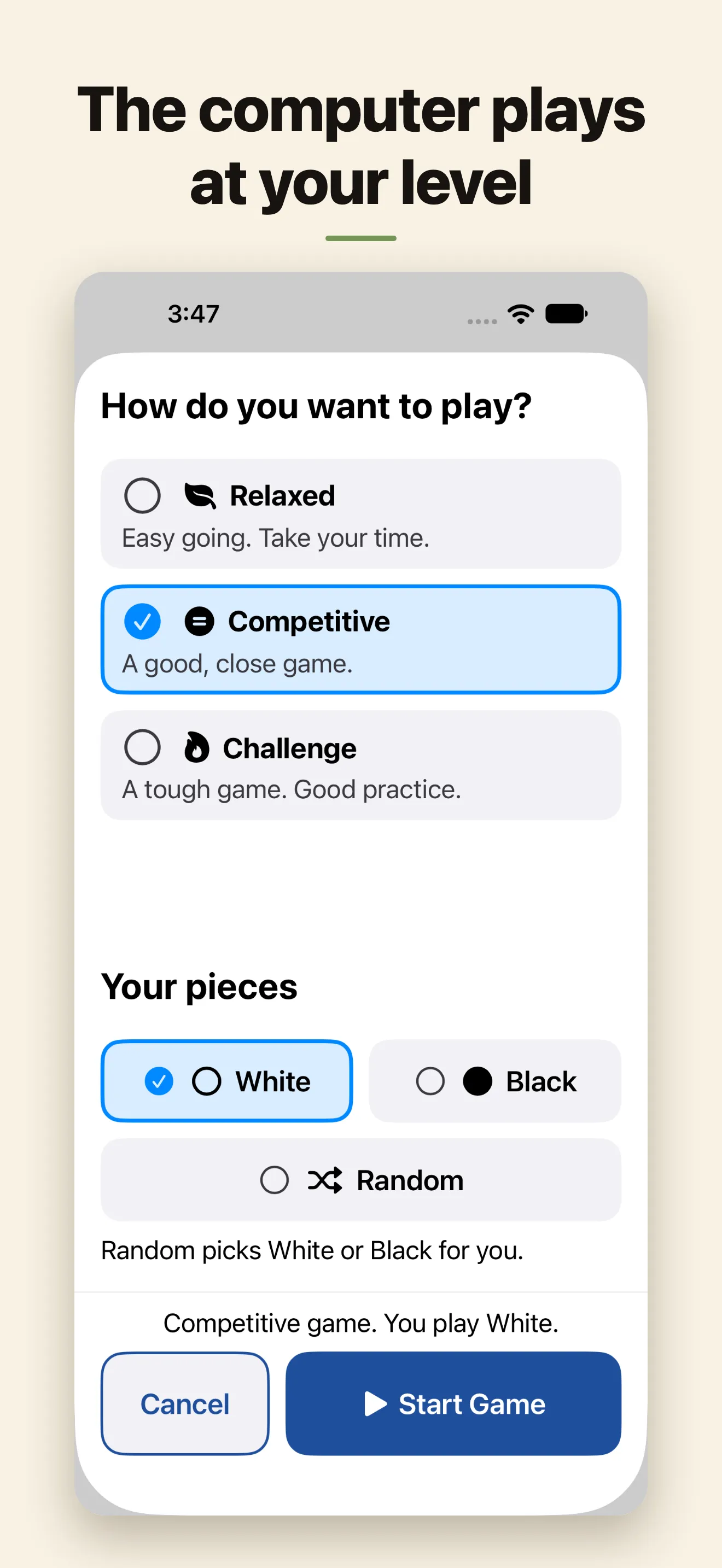
A computer at your level
Choose Relaxed, Competitive or Challenge, never a level number. The computer adjusts to your results as you play.
Undo, Redo and hints
Undo as many moves as you like and Redo to put them back. Ask for a hint whenever you're stuck. The computer's moves can be read aloud.
Take your time
No clocks or timers. Your game is saved after every move, so you can stop and come back later.
No ads, no account, no internet
Clear Chess plays entirely on your device. There are no ads, no sign-in and no subscription.
Questions
What is a good chess app for seniors?
Clear Chess is a free chess app made for seniors and older adults who know how to play and want to play again. There are no ads and no account. The pieces are big and bold, you tap to move instead of dragging, and the computer plays at your level.
Is there a chess app with large pieces for iPad?
Yes. Clear Chess works on iPad and iPhone. The board fills the screen, the pieces are large with a thick dark outline, and menus and buttons grow with your text size setting.
Is Clear Chess free?
Yes. Clear Chess is free, with no ads and no subscription. There is an optional tip jar, but tips don't unlock anything. Everyone gets the whole app.
Can the computer play an easy game?
Yes. Pick Relaxed for an easy-going game, Competitive for a close one, or Challenge for a tough one. The computer adjusts to your results, and in Relaxed it eases off when it's well ahead.
Does it need the internet or an account?
No. Clear Chess plays entirely on your device, so it works at home, on a trip or anywhere. There is nothing to sign up for.
What if I make a mistake?
Tap Undo to take back as many moves as you like, and Redo to put them back. You can also ask for a hint, or turn on "Ask before each move" to check each move before it's played.
Is it a good gift for someone who hasn't played in years?
Yes. Clear Chess is ready to play in three short steps, and there is no account to set up. It plays full chess rules, including castling, en passant and promotion.
Which devices and languages does it support?
iPhone and iPad with iOS 17.6 or later. From version 1.1, the app is in English, German, Spanish, French, Italian, Dutch, Portuguese, Swedish and Japanese. It uses the language of your iPhone or iPad.
Get Clear Chess
Free large-print chess app for iPhone and iPad, made for seniors and older adults. No ads, no account. Big pieces, tap to move, a computer at your level.